Features Installation Guide Download APK
Version 1.0.0 • Android APK
VIRTUALLY REAL VIRTUALLY CONNECTED

Stay Connected
With Your Community

Profile is a premium community-driven platform for real-time messaging, role-based announcement sharing, media uploads, and ephemeral status updates. Get the official app now.

Safe & Secure Verified Build Android 8.0+
Profile Logo

Why Choose Profile?

Engineered for high-trust communities requiring secure, beautiful, and instant communications.

Real-Time Messaging

Experience instant communication with real-time messaging, featuring delivery status, group chats, and privacy controls.

Community Feed

Post announcements, share accomplishments, list jobs, and run interactive polls to keep everyone engaged with easy moderation.

Status Updates

Share ephemeral stories and updates that automatically expire after 24 hours, keeping your community lively and up-to-date.

Advanced Moderation

Keep communities safe with flexible member roles (`admin`, `manager`, `user`) and message request filters to prevent unwanted chats.

How to Install & Set Up

Follow these quick, easy steps to download, install, and create your Profile account.

Step 1: Download the secure APK file

Click the download button below or in the hero section to save the setup file directly to your Android device.

  • Locate the downloaded `.apk` file in your browser downloads or file manager.
  • The package is digitally signed and completely free from malware or viruses.
Download APK Now
profile-release.apk 118.1 MB

Step 2: Enable installation sources

Android security requires permission to install apps outside the Google Play Store. Don't worry, this is safe and standard for APK setups.

  • Open the APK file. When prompted, tap on Settings.
  • Enable the toggle for "Allow from this source" (usually your Browser or File Manager).
  • Tap Install on the screen that follows to complete installation.
Install unknown apps
Chrome Version 120.0.6099

Allow from this source

Trusting this source allows you to install apps from it.

Step 1 of 14

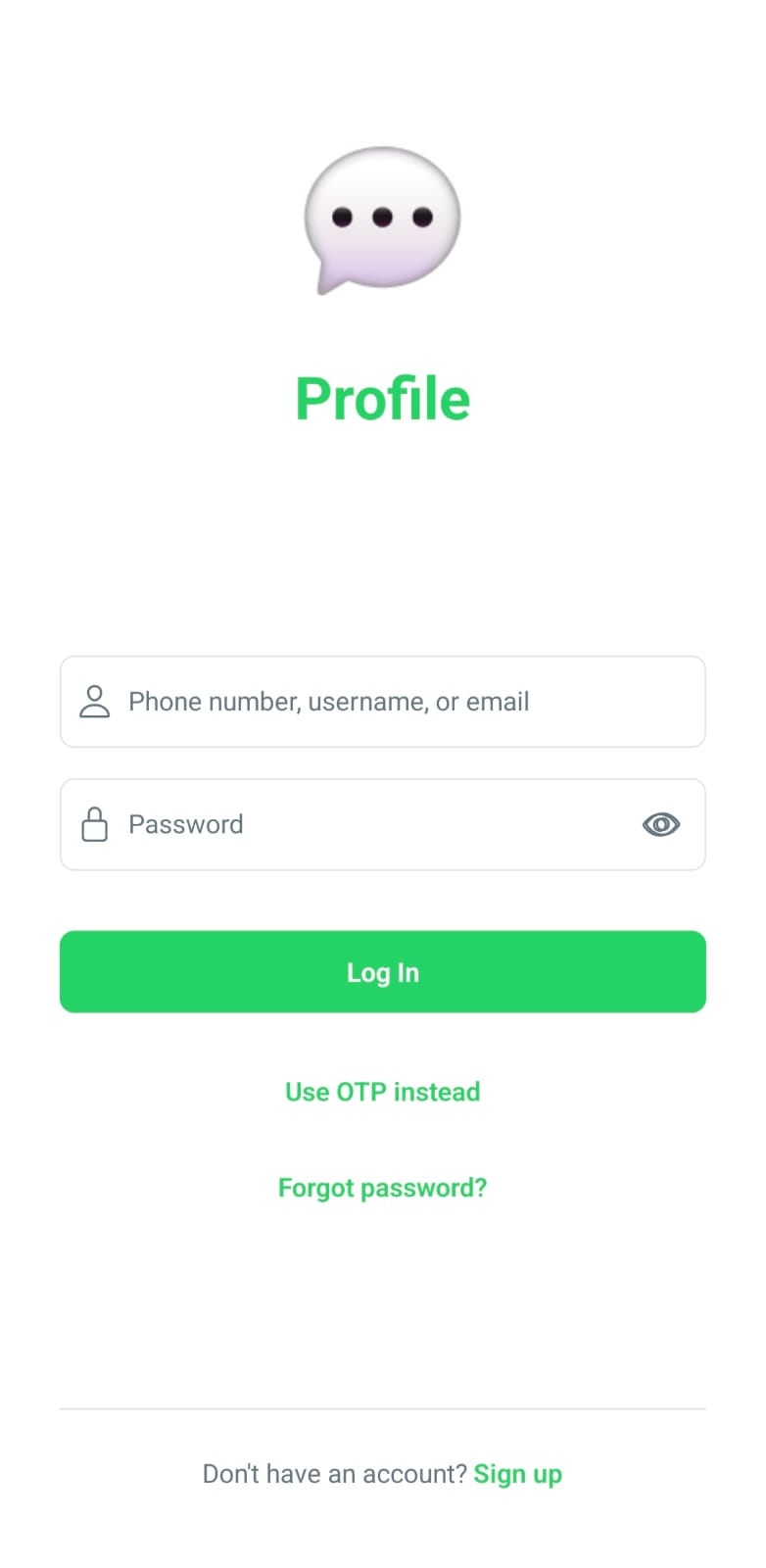
Phone Number Entry

Open the Profile app and enter your mobile phone number. Make sure to select the correct country code.

Setup Guide Step